> ## Documentation Index
> Fetch the complete documentation index at: https://docs.centipidbilling.com/llms.txt
> Use this file to discover all available pages before exploring further.
# WhatsApp
> Configure a WhatsApp Business provider and send immediate subscriber messages.
# Send through WhatsApp
Open **Communications → WhatsApp**. The list/compose workflow mirrors SMS but uses the ISP's active WhatsApp provider and its own channel-scoped delivery history.
## Supported audience modes
* specific subscribers;
* subscriber segments;
* subscribers associated with selected MikroTik routers;
* everyone eligible.
The compose form requires a configured gateway, non-empty message, and a non-empty selection for targeted audience modes.
## Configure the provider
Open **Settings → WhatsApp**, choose one current provider, and enter its exact fields:
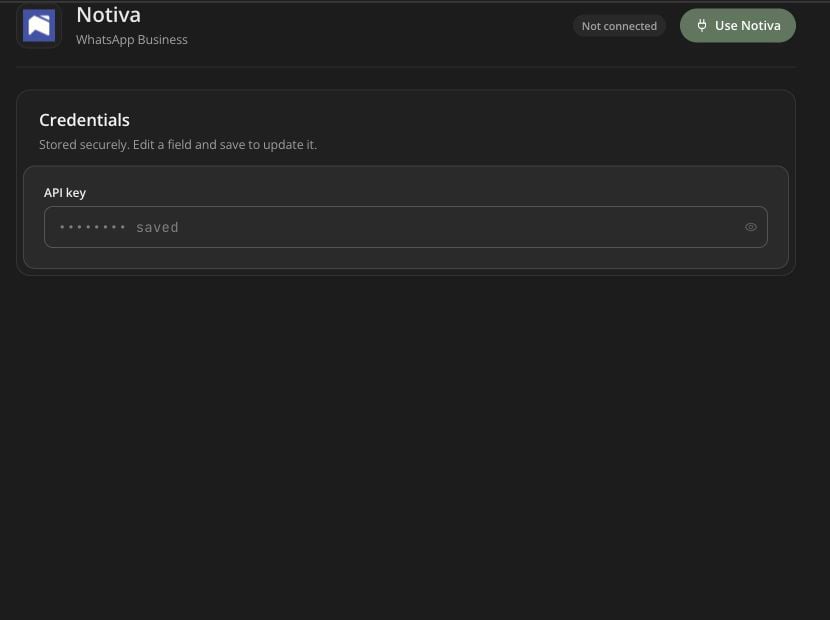
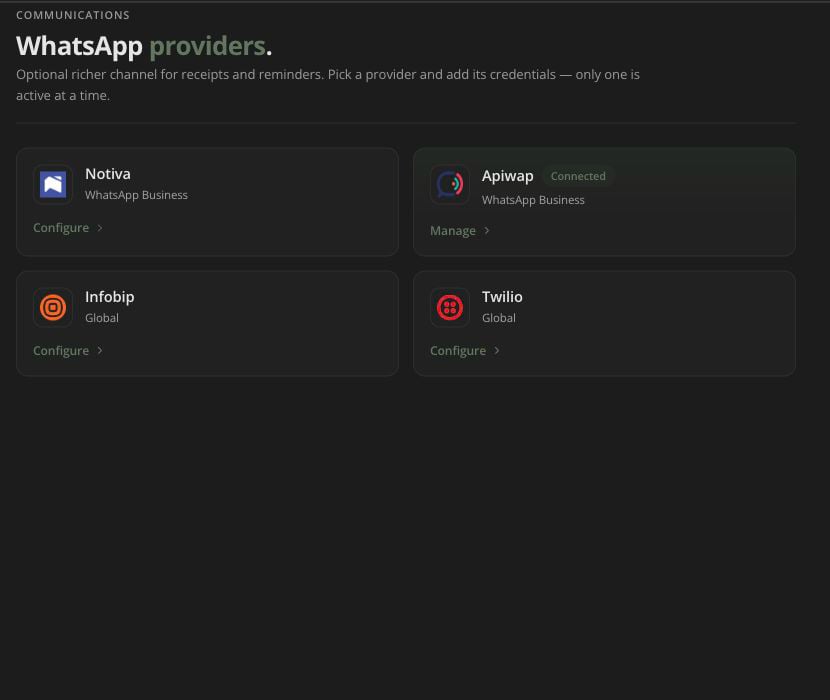 * Notiva: API key;
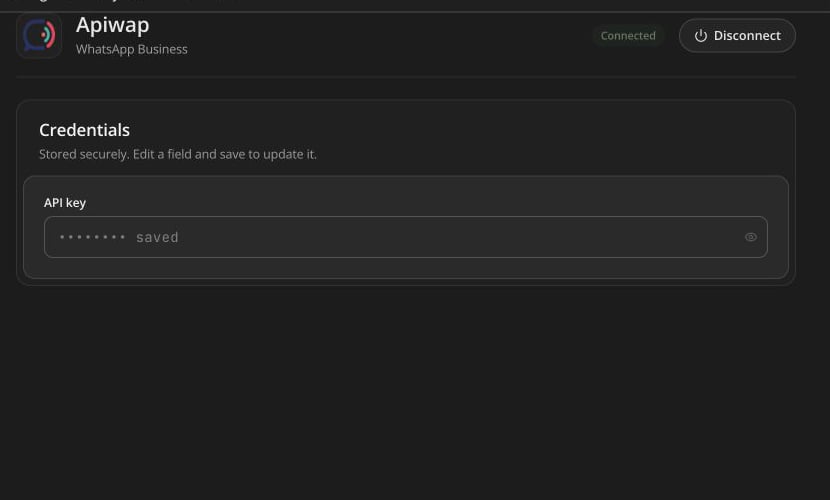
* Apiwap: API key;
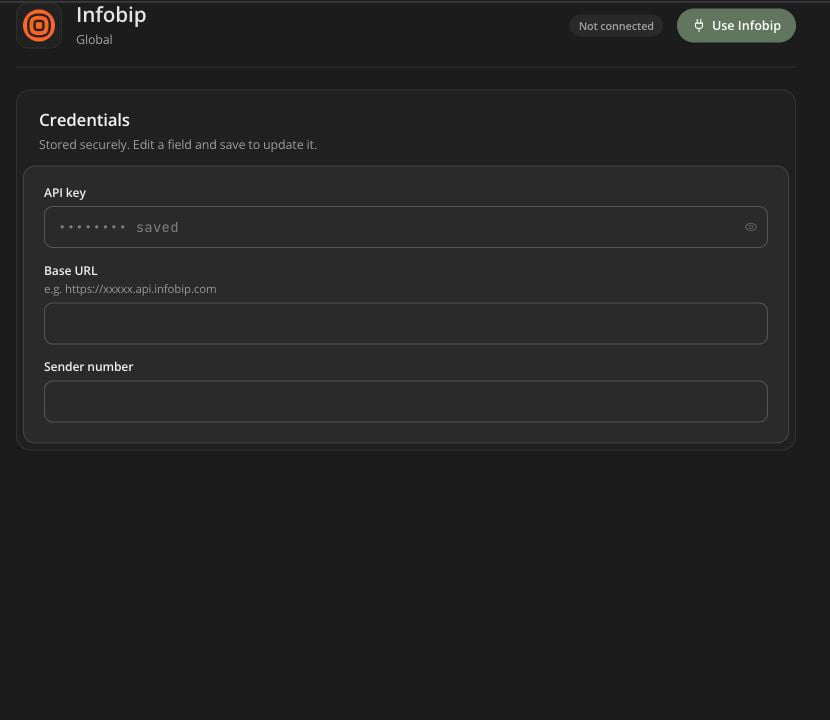
* Infobip: API key, base URL, sender number;
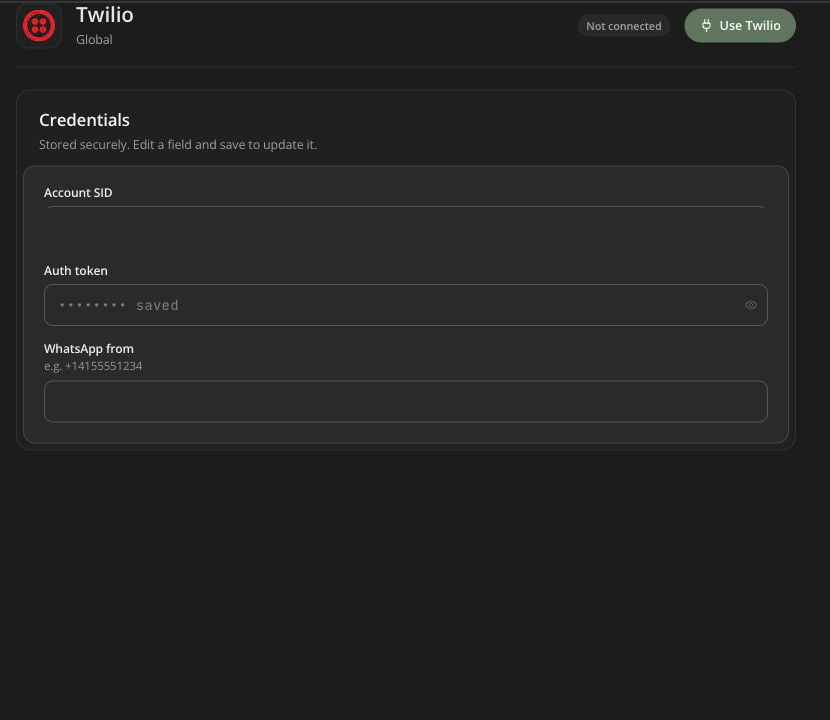
* Twilio: account SID, auth token, WhatsApp from number.
Only one provider is active at a time. Provider onboarding, WhatsApp Business approval, sender registration, templates, opt-in, and region rules remain provider/Meta requirements even if the form saves successfully.
### Notiva
* Notiva: API key;
* Apiwap: API key;
* Infobip: API key, base URL, sender number;
* Twilio: account SID, auth token, WhatsApp from number.
Only one provider is active at a time. Provider onboarding, WhatsApp Business approval, sender registration, templates, opt-in, and region rules remain provider/Meta requirements even if the form saves successfully.
### Notiva
 ### Apiwap
 ### Infobip
 ### Twilio
 ## Send and monitor
1. Send a controlled test to an opted-in number.
2. Verify sender identity and message rendering.
3. Choose the production audience.
4. Avoid sensitive account/access information in the body.
5. Send once and monitor accepted/delivered/failed status.
Bulk resend operates only on failed WhatsApp-channel records. Correct sender/template/recipient/provider problems before using it.
## Operator alerts over WhatsApp
**Settings → Operator alerts** can prefer WhatsApp for router-status notifications when a WhatsApp gateway is configured. This does not automatically move all subscriber SMS templates to WhatsApp.
## Send and monitor
1. Send a controlled test to an opted-in number.
2. Verify sender identity and message rendering.
3. Choose the production audience.
4. Avoid sensitive account/access information in the body.
5. Send once and monitor accepted/delivered/failed status.
Bulk resend operates only on failed WhatsApp-channel records. Correct sender/template/recipient/provider problems before using it.
## Operator alerts over WhatsApp
**Settings → Operator alerts** can prefer WhatsApp for router-status notifications when a WhatsApp gateway is configured. This does not automatically move all subscriber SMS templates to WhatsApp.