
Send through WhatsApp
Open Communications → WhatsApp. The list/compose workflow mirrors SMS but uses the ISP’s active WhatsApp provider and its own channel-scoped delivery history.
Supported audience modes
- specific subscribers;
- subscriber segments;
- subscribers associated with selected MikroTik routers;
- everyone eligible.
The compose form requires a configured gateway, non-empty message, and a non-empty selection for targeted audience modes. A message can be up to 480 characters. Each recipient’s number gets one message, even if it appears twice.
The outbox shows four cards: Today, Sent, Failed and Spend · 30d.
Configure the provider
Open Settings → WhatsApp, choose one current provider, and enter its exact fields:
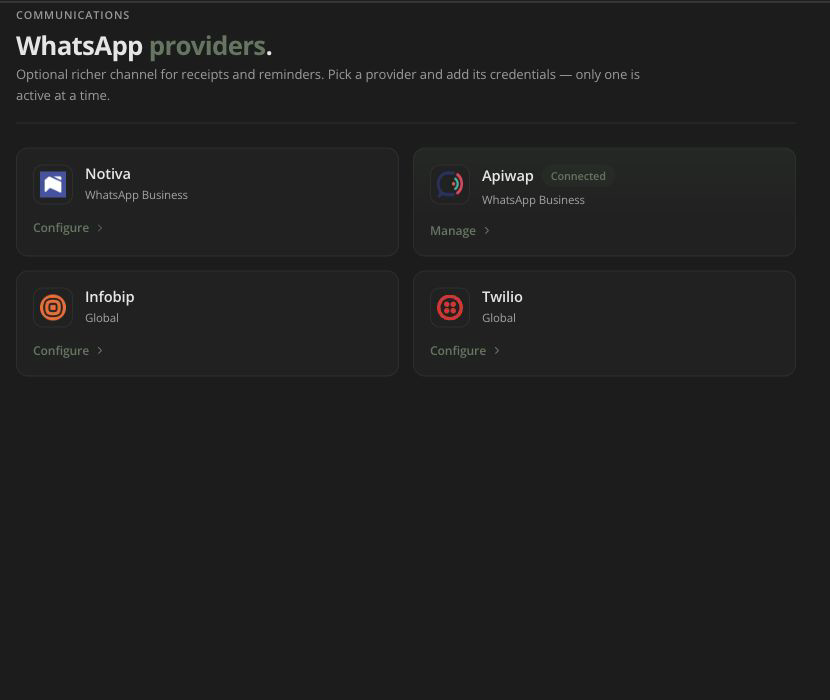
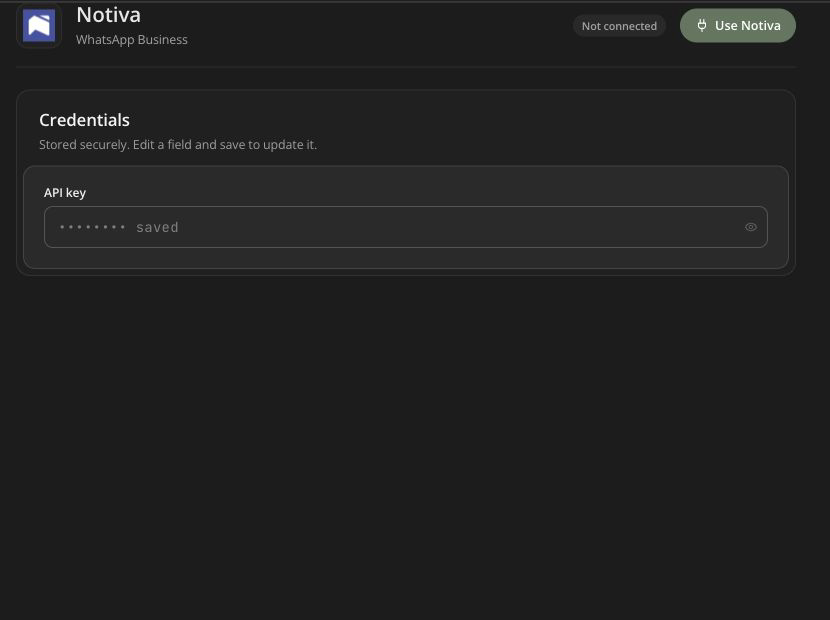
- Notiva: API key;
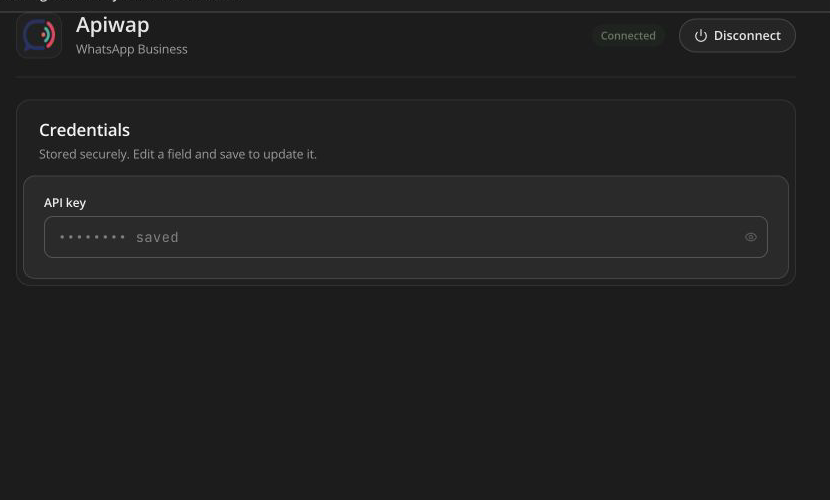
- Apiwap: API key;
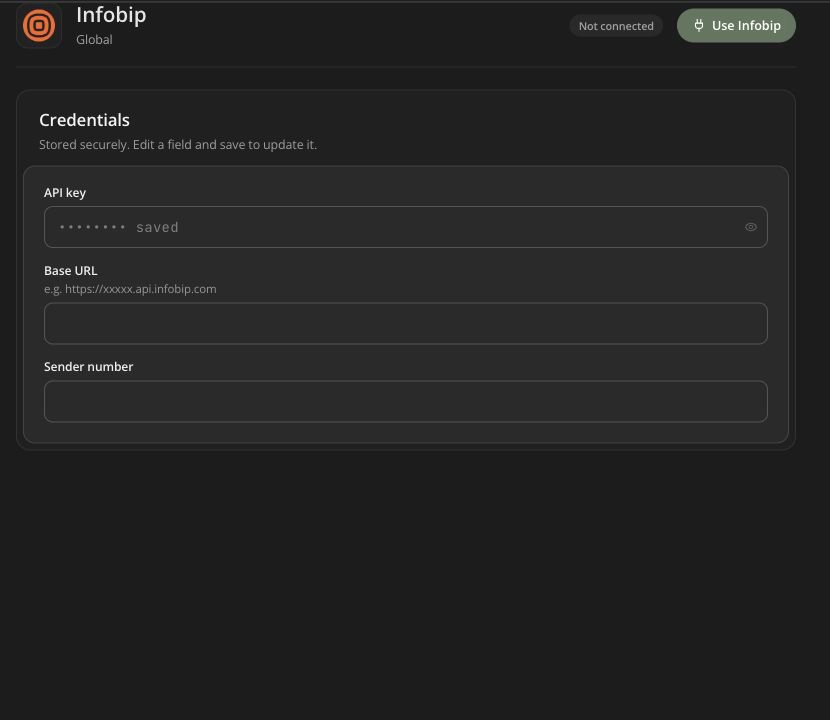
- Infobip: API key, base URL, sender number;
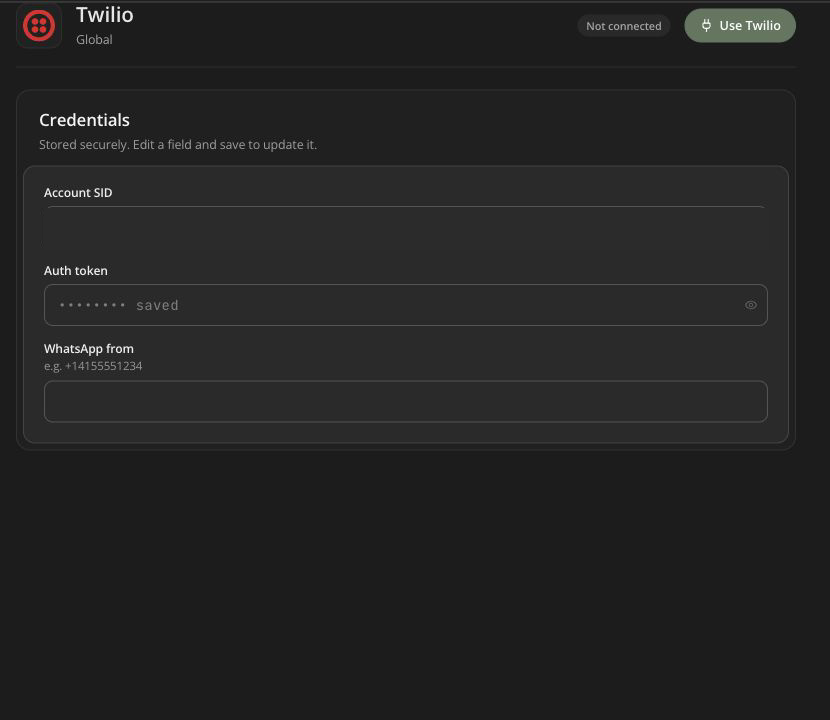
- Twilio: account SID, auth token, WhatsApp from number.
There are 4 providers. Notiva is the default and is listed as $5 a month for unlimited WhatsApp messages. Apiwap is offered in Kenya only. Only one provider is active at a time. Provider onboarding, WhatsApp Business approval, sender registration, templates, opt-in, and region rules remain provider/Meta requirements even if the form saves successfully.
Notiva
Apiwap
Infobip
Twilio
Send and monitor
- Send a controlled test to an opted-in number.
- Verify sender identity and message rendering.
- Choose the production audience.
- Avoid sensitive account/access information in the body.
- Send once and monitor the Sent and Failed tabs.
WhatsApp providers do not send delivery reports back to Centipid, so the WhatsApp outbox has no Delivered count. Sent means the provider accepted the message; Failed means it refused it. Today counts messages since midnight.
Resend (single or bulk) only picks Failed WhatsApp messages. Sent messages are skipped so subscribers never get the same message twice. Correct sender/template/recipient/provider problems before resending. One bulk resend covers up to 2,000 messages; run it again for the rest.
Messages you compose here do not fall back to SMS if WhatsApp fails. Automatic messages do: expiry reminders, payment and bundle notices try WhatsApp first, then SMS.
Operator alerts over WhatsApp
Settings → Operator alerts can prefer WhatsApp for router-status notifications when a WhatsApp gateway is configured. This does not automatically move all subscriber SMS templates to WhatsApp.