
Live sessions and blocked devices
Monitor active users
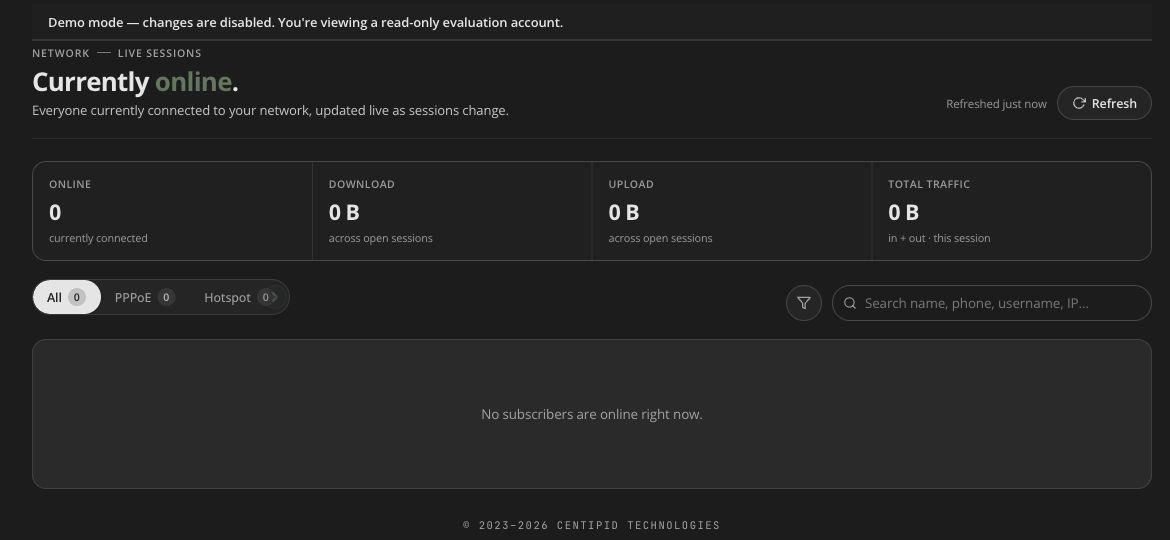
Open Network → Live sessions to inspect RADIUS sessions currently visible in this workspace. The page refreshes its list approximately every 10 seconds and shows when data was last refreshed.
Filters and session data
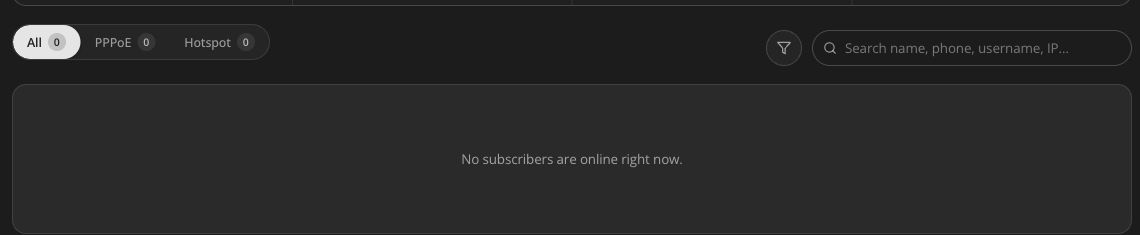
Use the All, PPPoE, and Hotspot tabs, expiry filters, search, and sortable columns. A row can include subscriber identity, username, router, MAC, framed IP, start time, duration, data transferred, rate estimate, idle time, and a session-end value when RADIUS provides one.
Some RADIUS rows do not map to an application subscriber (user_id). Those sessions can be inspected/disconnected, but subscriber-only actions such as pause or SMS are unavailable until a matching account exists.
Session identity
A disconnect request uses both username and session start time where available. This prevents a bulk selection from treating several reconnects as one session. Recheck the row after auto-refresh before disconnecting a high-impact account.
Actions
Disconnect
Terminates the selected session through the supported network path. The subscriber may reconnect immediately if credentials, account status, package, expiry, and router policy still allow access.
Disconnect until purchase
Where available for the selected service/session, disconnects and requires a qualifying purchase before normal access resumes. Use it only when that matches the commercial policy.
Pause
Changes the linked subscriber’s service state and interrupts access. Rows without a linked subscriber cannot be paused.
Block
Select one or more sessions, choose Block device, add an optional reason (up to 200 characters), and confirm. Centipid then:
- disconnects the subscriber now;
- rejects their username at sign-in until you unblock them;
- rejects the device’s MAC address, unless another subscriber who is not blocked also uses that device.
Confirm the target MAC where shown. Blocking the wrong device identifier can affect the wrong user.
Send SMS
Sends one message per selected subscriber through the ISP’s SMS gateway. The action filters out rows without subscriber IDs. If a prepaid SMS provider reports insufficient credit, top up or switch the configured provider before retrying.
Where to see blocked devices
Centipid blocks the subscriber account and their devices together, so you find blocked devices by finding blocked subscribers:
- Dashboard: the Churned tile (“disabled subscribers”) counts every blocked (disabled) subscriber. Select it to open the list at
/users?view=churned. - Customers → Subscribers: a blocked subscriber’s row carries the Churned label.
- Subscriber profile: the status reads Blocked, and Unblock subscriber (in the profile’s action menu) lifts the block and releases their devices.
There is no separate page that lists blocked MAC addresses on their own.
Bulk-action safety
- Filter by type and expiry first.
- Select only the intended rows.
- Review the count and the confirmation summary.
- Remember that one subscriber can have more than one session.
- Perform one bulk action and let the page refresh before doing another.
Troubleshooting stale sessions
If a disconnected row remains:
- wait for the next refresh;
- check whether the device immediately reconnected;
- compare start time and session identifier;
- review router reachability/accounting;
- use the subscriber profile to check pause/block/package state.
Do not repeatedly disconnect without identifying whether each row is the same session or a new reconnect.