
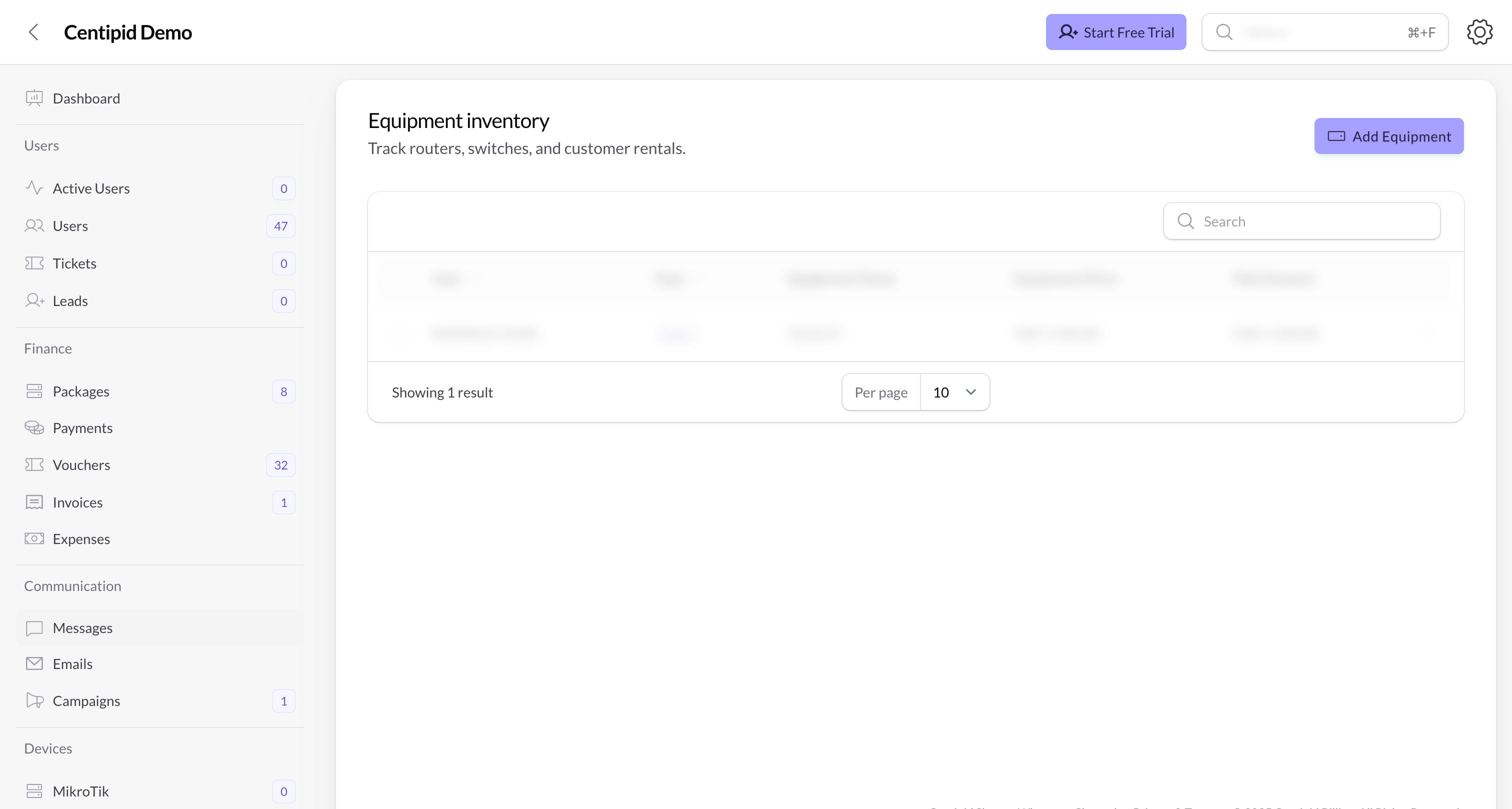
Add equipment
- Click Add Equipment.
- Pick the User (subscriber) who owns or is renting the device.
- Select the Type – router, switch, server, access point, or other.
- Fill in the Name, Model, and Serial Number so technicians can identify the hardware in the field.
- Enter the Price (Centipid prefixes it with your account currency) and the Paid Amount if the customer already settled part or all of the cost.
- Save. The record appears instantly in the table and is available to support agents when they open the user’s profile.
Manage the inventory
- Use the search bar to find equipment by subscriber name, model, or serial number.
- Click any row to edit pricing, mark additional payments, or correct typos.
- The action menu also exposes Delete. Bulk delete is restricted to protect audit history.
- Support can confirm what hardware a customer has before dispatching a technician.
- Finance can see which devices are still unpaid or partially paid.
- Field engineers know which serial number to recover or replace when resolving a ticket.