
Open the referral panel
- Click the gear icon in the top-right corner of the dashboard.
- Choose Refer a friend from the dropdown (visible to admins/support).
- The Referrals page opens with your invite form and history so you can see each email’s status.
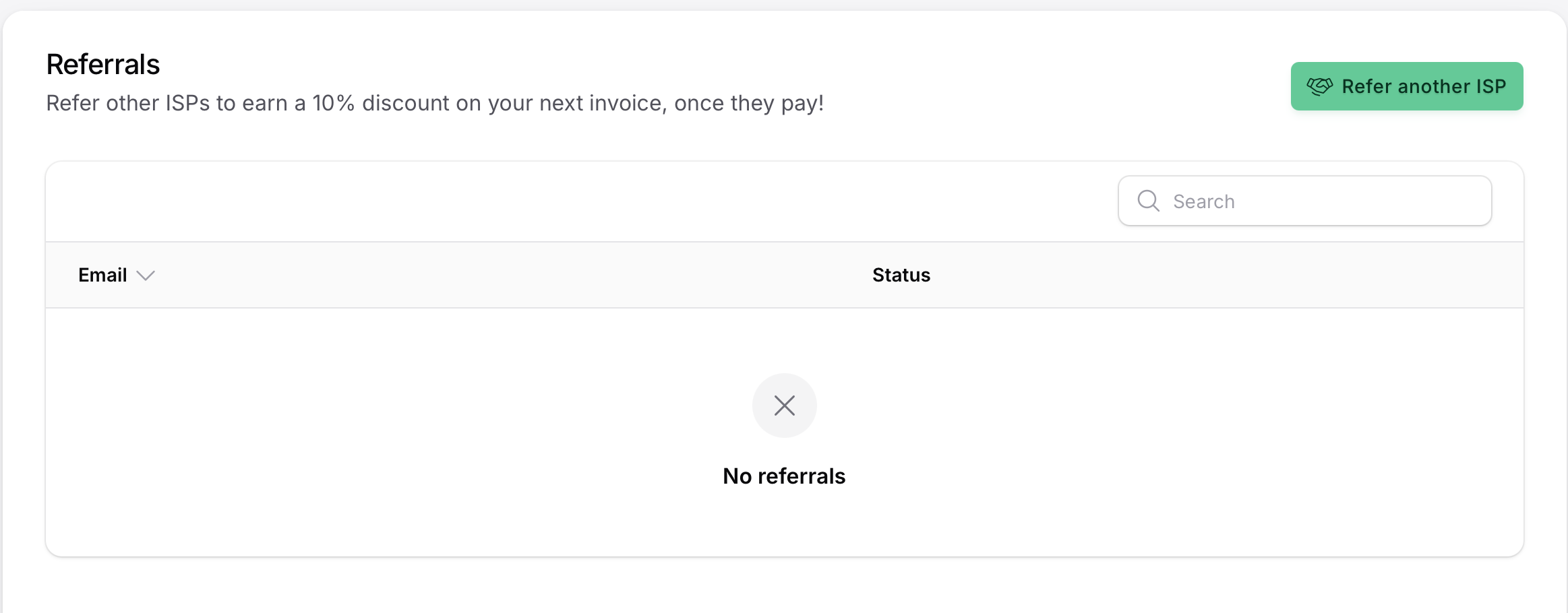
Invite partners
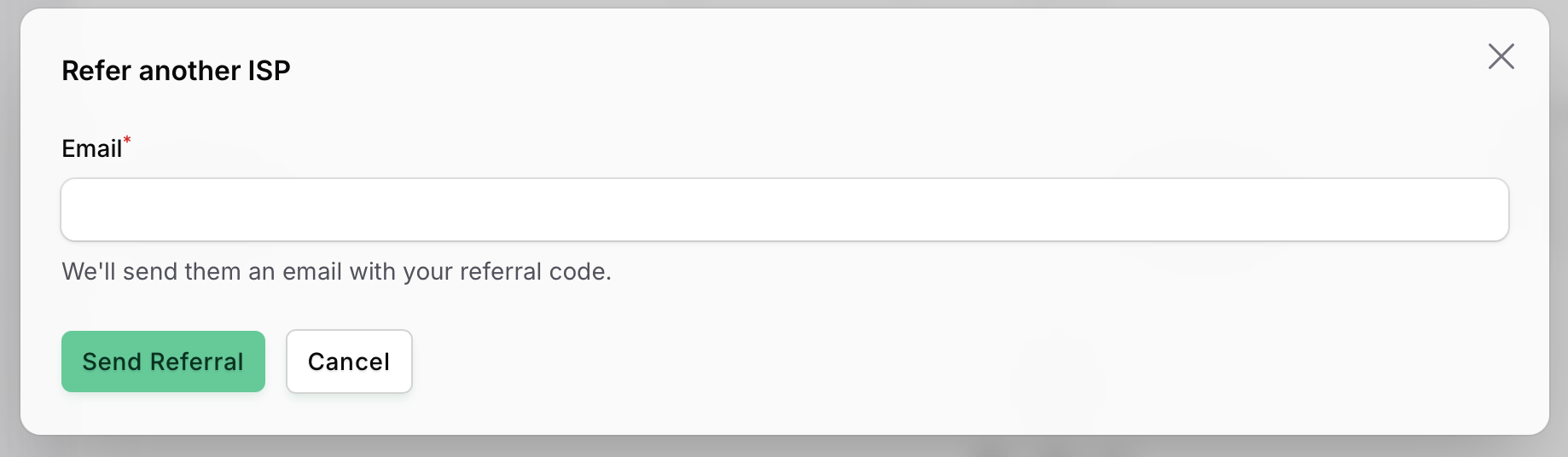
- Click Create referral.
- Centipid opens a modal where you enter the partner ISP’s email address.
- Click Send invite—Centipid emails them your referral code and tracks the status automatically.
- Once they register and activate their plan, your dashboard shows the referral as Completed and your 10% renewal discount is applied.
What invitees see
Centipid emails your contact immediately with a branded referral invitation, highlighting the 14‑day trial and the benefits of the billing platform. The Create Your Account button routes them to the registration page with your referral code pre-filled.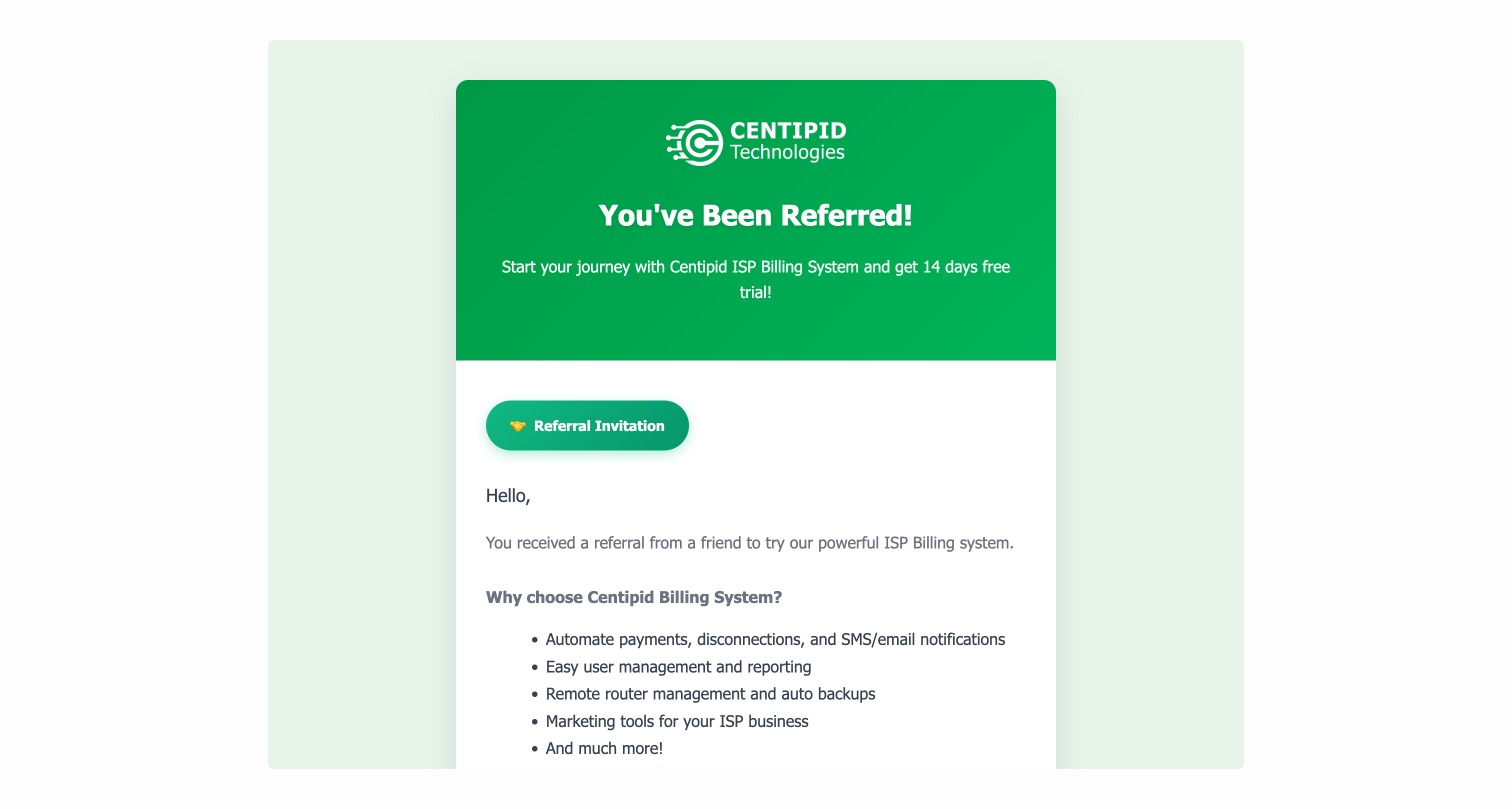
Best practices
- Target operators that match Centipid’s ideal customer (PPPoE / Hotspot ISPs).
- Mention the 14-day free trial so prospects feel safe trying the platform.
- Monitor statuses (Pending, Invited, Completed) inside the panel so you always know which referrals are close to granting the discount.